App-store ready
Mobile app landing pages — live in minutes.
Publish a page for your iOS or Android app with store badges, privacy, and terms already in place. No design work. No hosting setup. Submission-ready by the time you finish reading this.
Who this is for
- • Solo developers shipping their first app
- • Small teams launching iOS or Android products
- • Founders who need a live URL before App Store / Play Store submission
- • Anyone who wants store-compliant pages without writing privacy and terms from scratch
What it looks like
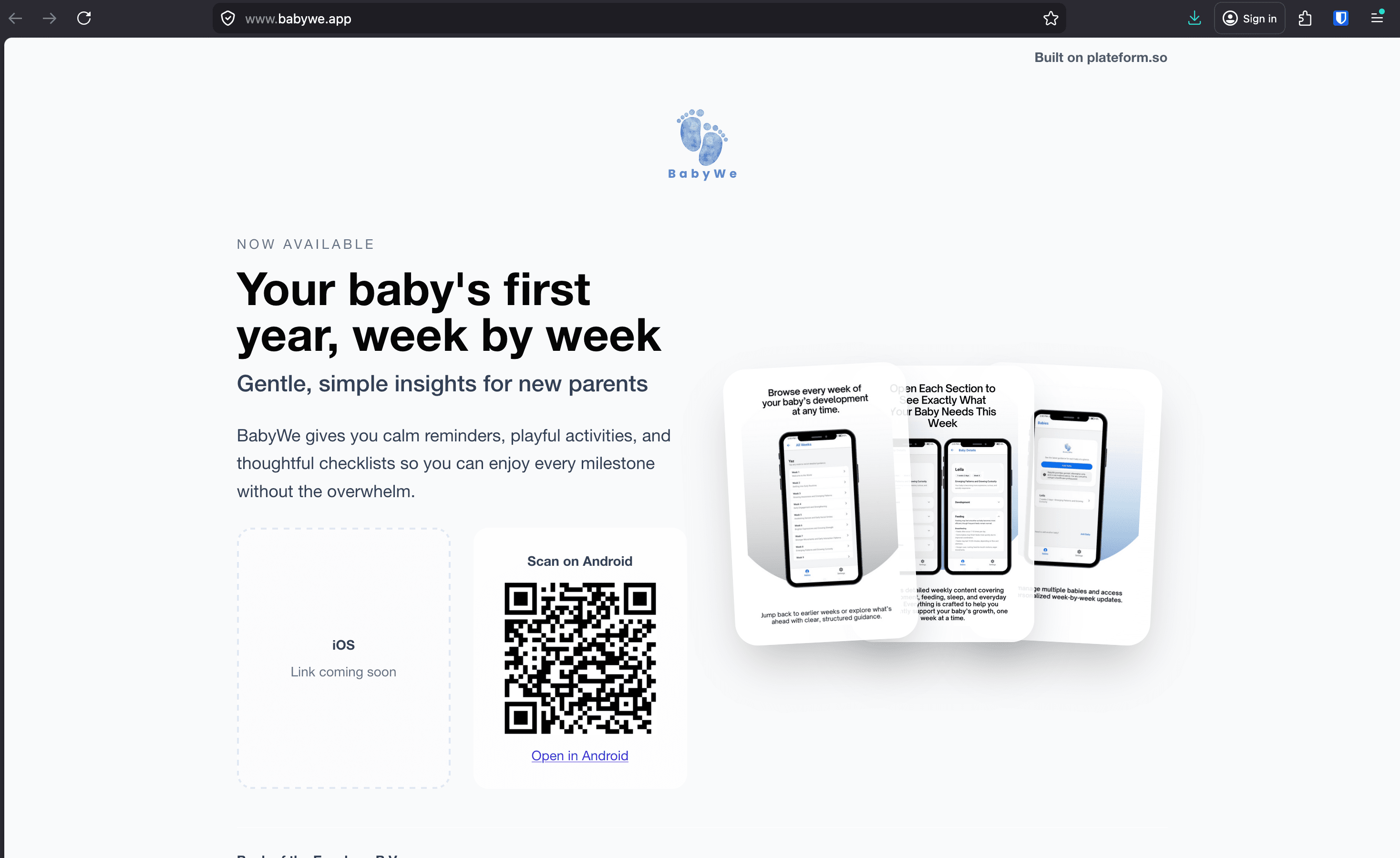
A real Plateform page in production. Same template you’ll get when you sign up.
How it works
From nothing to a submission-ready page in five steps.
- 1Sign up with your email — no credit card needed.
- 2Pick the mobile app template. Store badges, privacy, and terms are already in place.
- 3Drop in your headline, app description, screenshots, and store links.
- 4Hit publish — your page is live on a real URL immediately.
- 5Connect your own domain when you’re ready to submit to the stores.
What's included
Everything an app store reviewer expects.
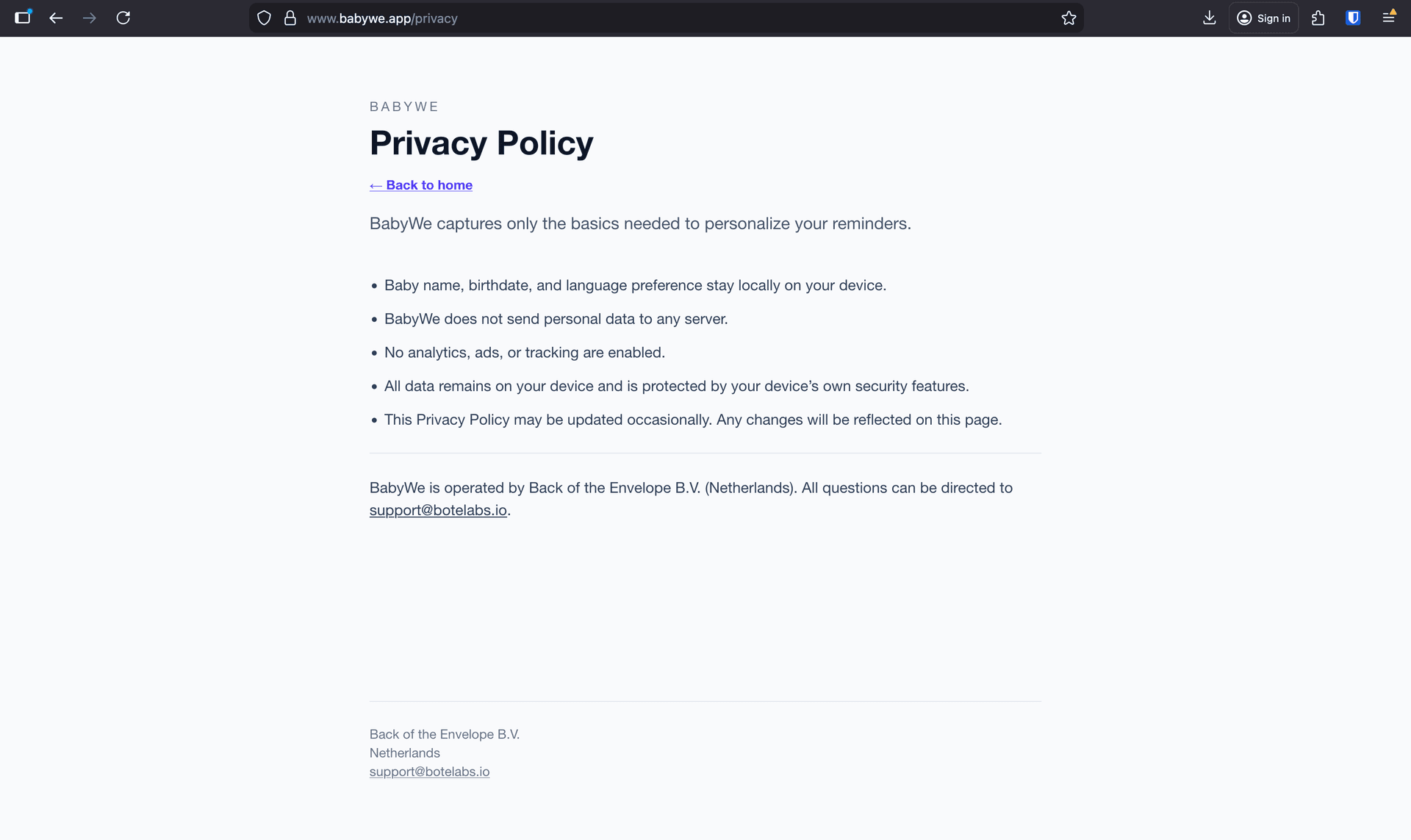
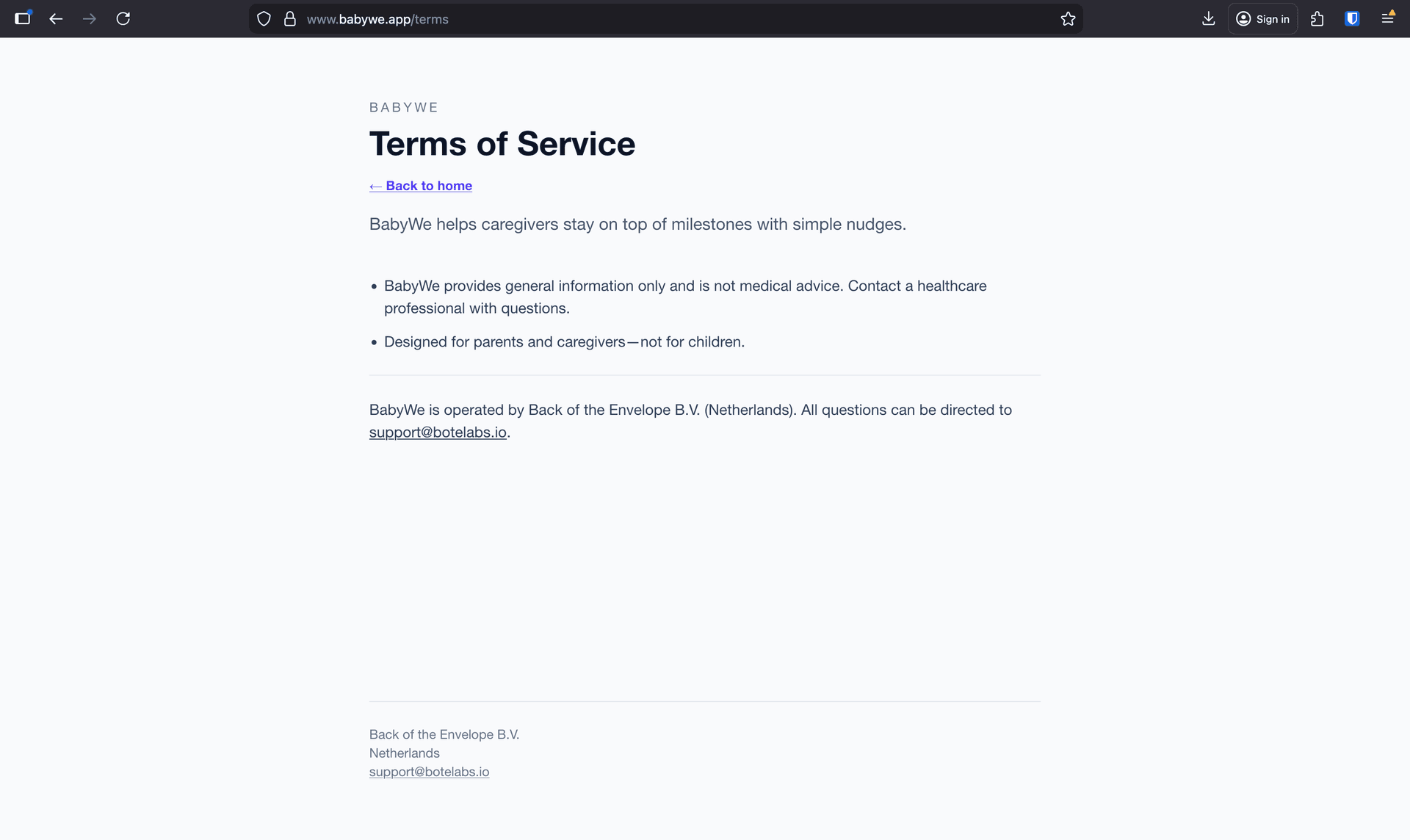
Privacy and terms pages, ready out of the box
Apple and Google both require live privacy and terms URLs at submission. Every Plateform mobile app page ships with both pages already wired up — you just review and publish.
App Store and Google Play badges built in
Add your store links and the official badges render in the right place. No image hunting, no licensing headaches.
Screenshots and feature blocks without designing
The layout is already done. Drop in your screenshots and feature copy — Plateform handles spacing, type, and responsive behavior.
A real URL today, your own domain when you want it
Start on a free Plateform URL. When you’re ready to point myapp.com at your page, it takes a few clicks.
FAQ
Common questions.
What is a mobile app landing page?
A mobile app landing page is a single web page that promotes a mobile app — typically with a hero, screenshots, feature highlights, store download links (App Store and Google Play), and the privacy and terms URLs that app stores require at submission.
Do I need privacy and terms pages to submit to the App Store or Google Play?
Yes. Both Apple and Google require a live privacy policy URL at submission, and Apple requires terms of use for many app categories. Plateform includes both pages with every mobile app landing page so you can submit without writing them from scratch.
How long does it take to publish a mobile app landing page on Plateform?
Most users publish in under 10 minutes. You sign up with email (no credit card), pick the mobile app template, fill in your app name, description, screenshots, and store links, then hit publish. The page is live on a real URL immediately.
Can I connect my own domain like myapp.com?
Yes. You can publish on a free Plateform URL today and point your custom domain at it whenever you’re ready — useful for store submissions that link to a branded site. See the pricing page for domain costs.
Related
Other situations Plateform fits.
Ready to publish?
Free to start. Your page is live on a real URL the moment you hit publish.